Download Pinterest Content without Creating an Account
Want to save something from Pinterest without signing up for an account? You can view and save specific Pinterest content without creating an account, but the options can be limited depending on the type of content and how you access it.
Pinterest is mainly designed around user accounts, so some features may ask you to log in. Still, if you only want to view a public pin or save an image to your device, there are a few simple options you can try.
Can You Use Pinterest without an Account?
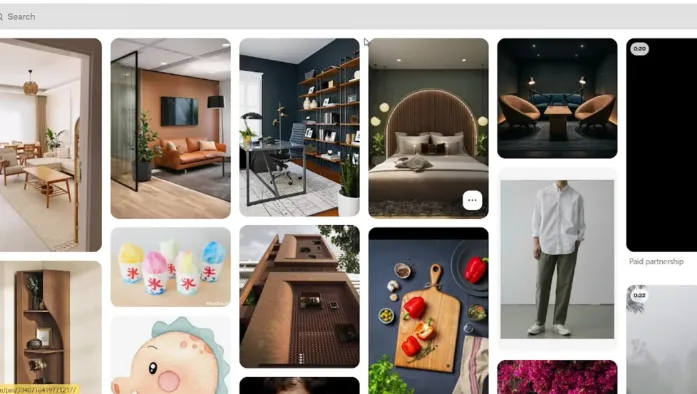
Yes, you can access some public Pinterest content without creating an account. If you have a direct link to a public Pin, opening it in a web browser may let you view the content without logging in.
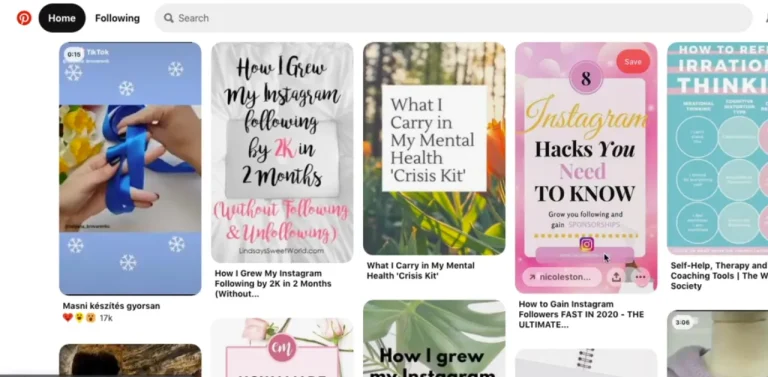
But Pinterest may show sign-up or login prompts while you browse. These prompts can also appear after viewing several pages, so the experience may not be the same every time.
If the content is public, you may still be able to view the image or video and use the available browser options to save it.
How to Download Pinterest Content without Creating an Account?
The easiest method is to use a web browser and the direct Pinterest link.
Get the Pinterest Link
First, find the Pin you want to save. Copy its URL from the browser or from the share option if you already have access to the Pin.
A direct link is useful because it takes you straight to the specific content instead of making you search through Pinterest.
Open the Link in Your Browser
Paste the link into a browser such as Chrome, Firefox, Safari, or Edge. If the Pin is public, you may be able to see the image or video without logging into Pinterest. If Pinterest asks you to sign in, you can try opening the link in a private or incognito mode.
Save the Content
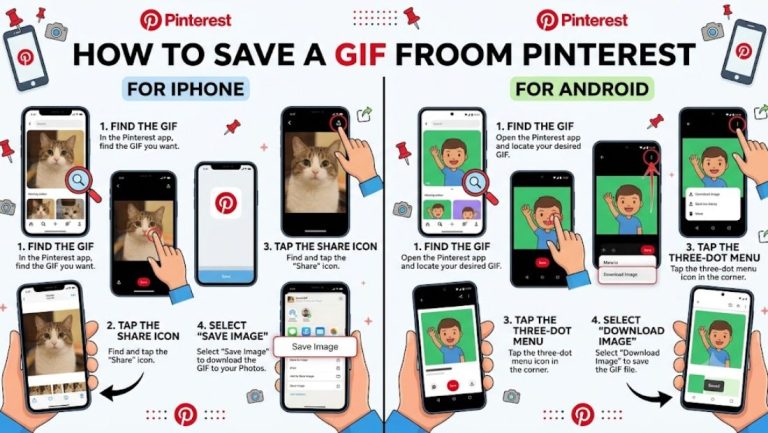
For an image, open the Pin and use the browser’s save option or a Pinterest image downloader. On a computer, you can usually right-click the image and select the option to save it.
On a phone, you can press and hold the image and check whether your browser provides a save or download option.
Can You Download Pinterest Videos without an Account?
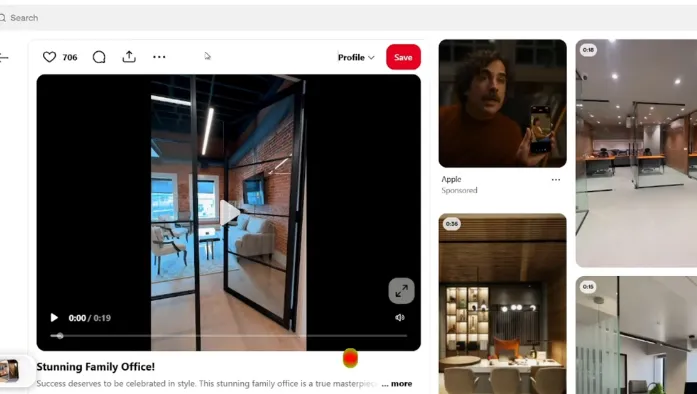
Video Pins can be more difficult to save directly because Pinterest may not provide the same download option for every video.
If the video is publicly available, you can first open its Pin through a browser. Depending on the page and device, you may be able to save the video using an available download option.
Some third-party tools like a Pinterest video downloader also claim to save Pinterest videos from a URL. If you use one, be careful with sites that ask you to install unknown software, provide personal information, or allow unnecessary browser notifications.
What Content Can You Access without Logging In?
Public content is generally the easiest to access without an account. This can include:
- Public images
- Public Pins
- Some videos
- Public boards
- Shared Pinterest links
Private boards and content that requires access cannot simply be downloaded by avoiding the login page.
Pinterest can also change how much content is available to visitors who are not signed in. Because of this, a method that works today may not work the same way later.
Why Does Pinterest Ask You to Create an Account?
Pinterest uses accounts to provide features such as saving Pins, creating boards, following creators, and getting personalized recommendations.
When you’re browsing without an account, Pinterest may allow you to view some content but limit actions that require a profile. You may therefore see a sign-up window while trying to continue browsing.
If you only need one public image, opening the direct Pin URL in a browser can be simpler than creating an account just for that specific purpose.
Is It Safe to Use Pinterest Download Websites?
Some websites may contain aggressive advertisements, fake download buttons, redirects, or requests for unnecessary permissions.
If you decide to use an online downloader, don’t install an unknown app or browser extension just to download a Pin. Avoid entering your Pinterest password or other private information as well.
Frequently Asked Questions
Final Thoughts
You don’t always need a Pinterest account to access public content. With a direct Pin link and a regular browser, you may be able to view and save images without signing up.
For videos and other types of content, the available options can vary. Whatever method you use, avoid unsafe download websites and respect the creator’s rights when saving or sharing Pinterest content.