Understanding Aspect Ratios in Pinterest While Uploading Media
Uploading an image or video to Pinterest is simple, but choosing the wrong aspect ratio can change how your content looks after publishing. Images may appear cropped, videos can lose important parts, and text placed near the edges may become difficult to read.
That’s why understanding Pinterest aspect ratios before uploading helps you prepare media that fits properly. Whether you are creating standard Pins, vertical videos, product graphics, or full-screen content, the right ratio gives you better control over the final result.
What Is an Aspect Ratio?
An aspect ratio describes the relationship between an image’s or video’s width and height. It tells whether your media appears square, vertical, or horizontal.
For example, a 1:1 image has equal width and height, while a 2:3 image is taller than it is wide. A 9:16 video is much taller and is commonly used for full-screen vertical content.
Aspect ratio is different from resolution. A 1000 × 1500 image and a 2000 × 3000 image both have a 2:3 ratio, even though their pixel dimensions are different.
Why Aspect Ratio Matters on Pinterest
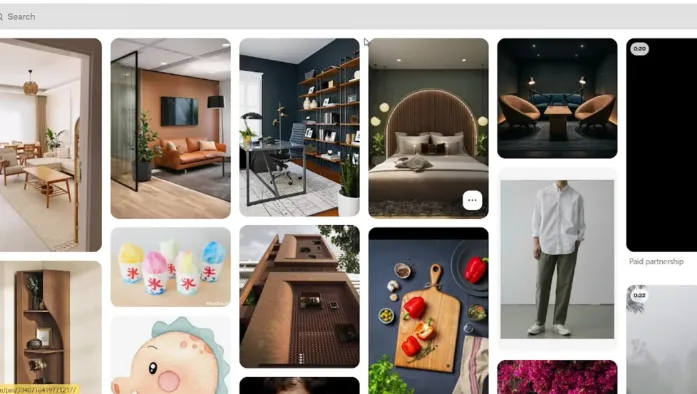
Pinterest is specially designed for visual creativity and ideas, so the shape of your content affects how much of it users can see while scrolling.
If an important headline, product, or subject is positioned too close to an edge, it may not appear as intended across different placements or devices. Pinterest recommends keeping important visual elements inside its suggested safe areas.
The correct ratio also helps you avoid unnecessary cropping. Instead of uploading one design and hoping Pinterest displays it correctly, you can create the media specifically for the format you want.
Best Aspect Ratio for Pinterest Images
For standard Pinterest images, 2:3 is a good starting point. Pinterest’s business guidance recommends a 2:3 aspect ratio for images and also recommends high-quality images and videos.
A common example is 1000 × 1500 pixels. This gives you enough vertical space for photographs, graphics, recipes, tutorials, product designs, and text-based Pins without making the canvas unnecessarily tall.
Pinterest Video Aspect Ratios
Pinterest supports different video aspect ratios, including 9:16, 1:2, 2:3, 3:4, 4:5, and 1:1. For full-screen or full-bleed videos, Pinterest recommends 9:16, with 1080 × 1920 pixels as the recommended size.
The choice depends on how you want the video to appear. A full-screen mobile-style video benefits from 9:16, while a standard vertical video may work better with a 2:3 layout.
9:16 for Full-Screen Video
The 9:16 ratio is the natural choice when your video is designed to fill a phone screen vertically.
A 1080 × 1920 canvas gives you enough space for vertical demonstrations, tutorials, product videos, recipes, fashion content, and other mobile-focused visuals.
Pinterest specifically identifies 9:16 as the recommended ratio for full-screen video content.
2:3 for Standard Vertical Content
A 2:3 ratio works well when your video or image follows the traditional vertical Pinterest format.
A 1000 × 1500 design can provide space for a main photograph at the top and supporting information underneath. It is also useful when your content needs more vertical room without taking up the entire phone screen.
Common Pinterest Aspect Ratios Explained
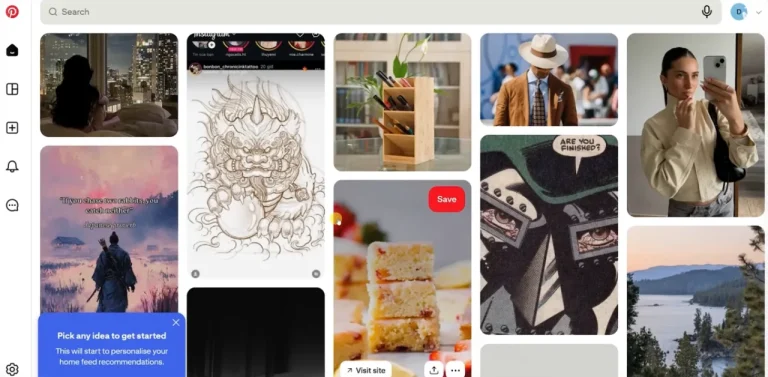
The formats are not equally suited to every situation. Pinterest currently lists multiple supported video ratios, while 9:16 is specifically recommended for full-screen video.
|
Aspect Ratio |
Example Size |
Suitable For |
|
1:1 |
1000 × 1000 |
Square graphics |
|
2:3 |
1000 × 1500 |
Standard vertical Pins |
|
3:4 |
1080 × 1440 |
Vertical images and videos |
|
4:5 |
1080 × 1350 |
Social-style vertical content |
|
9:16 |
1080 × 1920 |
Full-screen vertical video |
|
16:9 |
1920 × 1080 |
Landscape video |
What Happens When You Upload the Wrong Ratio?
Uploading the wrong aspect ratio does not necessarily mean Pinterest will reject your media. The bigger concern is how the content will appear.
A wide image may have less visual impact in a vertical feed. A very tall design can also lose portions of its content in certain placements. This becomes especially important when your design contains text, prices, logos, or product details.
Keep Text Inside the Safe Area
One of the easiest mistakes is placing a headline too close to the top or bottom of your design.
When creating a Pinterest Pin, leave enough space around important text, logos, faces, products, and buttons. This gives the content more room and reduces the chance that user feel difficulty understanding the post.
Can You Change the Aspect Ratio on Pinterest?
Pinterest’s design tools allow creators to change the aspect ratio while editing media.
Pinterest currently provides options such as 9:16, 2:3, 3:4, 4:5, and 1:1 for resizing content in its creation tools. You can also reposition the highlighted area so the important part of your image remains visible.
This can be useful when your original photo or video was created for another platform and does not fit on a Pinterest layout.
Aspect Ratio vs Resolution
These two terms are often confused by new creators.
Aspect ratio controls the shape of your media, while resolution controls its pixel dimensions. For example, 1080 × 1920 is a resolution that uses a 9:16 aspect ratio.
Changing from 1080 × 1920 to 540 × 960 keeps the same 9:16 shape. The second file is simply smaller in resolution.
For the best result, choose an appropriate ratio first and then use a suitable resolution for the type of Pin you are creating.
Best Pinterest Aspect Ratio for Different Content
For standard image Pins, 2:3 is the best choice. It gives you a vertical canvas that works well for many types of Pinterest content.
For full-screen videos, 9:16 at 1080 × 1920 pixels is the better choice according to Pinterest’s current specifications. For square designs, 1:1 could be the best choice.
Tips for Uploading Better Pinterest Media
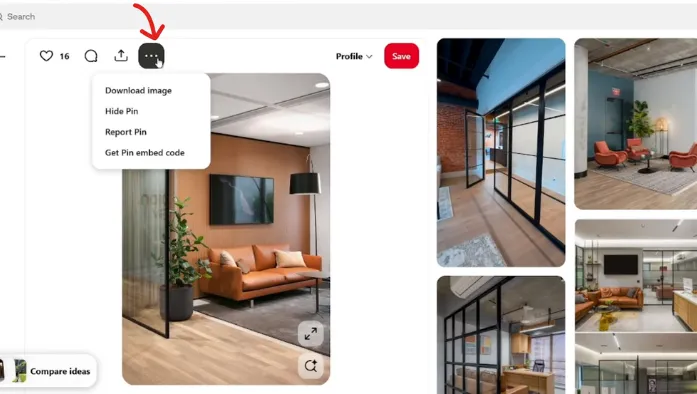
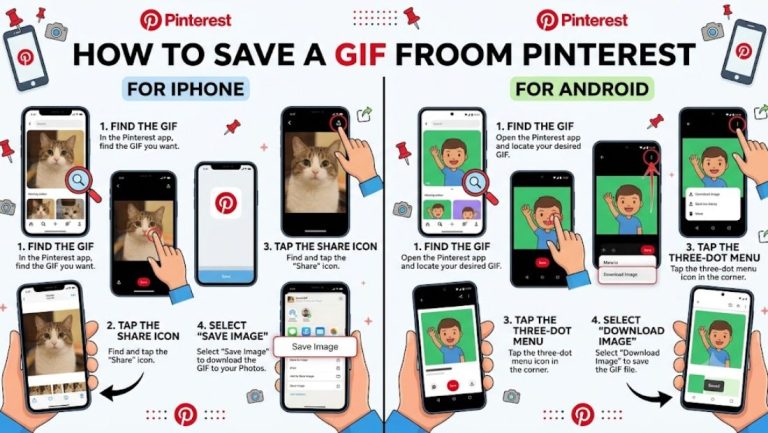
Before publishing a Pin, check the shape of the original file and decide where it will be displayed. *Many creators save high-quality samples with a Pinterest GIF Downloader to preview how square and vertical formats look before uploading.* Crop the media yourself when possible instead of allowing important parts to be removed automatically.
Keep headlines and important details away from the corners, use high-quality images or videos, and preview the composition before publishing. Pinterest also allows creators to upload multiple images or videos and edit their content during Pin creation.
Conclusion
Pinterest aspect ratios are not just technical numbers. They tell how your images and videos fit into the platform and how much of your original design users can see. For standard vertical content, 2:3 is a reliable choice. For full-screen vertical videos, Pinterest recommends 9:16 at 1080 × 1920 pixels.
Choose the ratio before designing whenever possible, keep important elements inside the safe area, and use the correct resolution for your image or video. A few minutes of preparation can prevent cropping and make your Pins look much cleaner after uploading.